
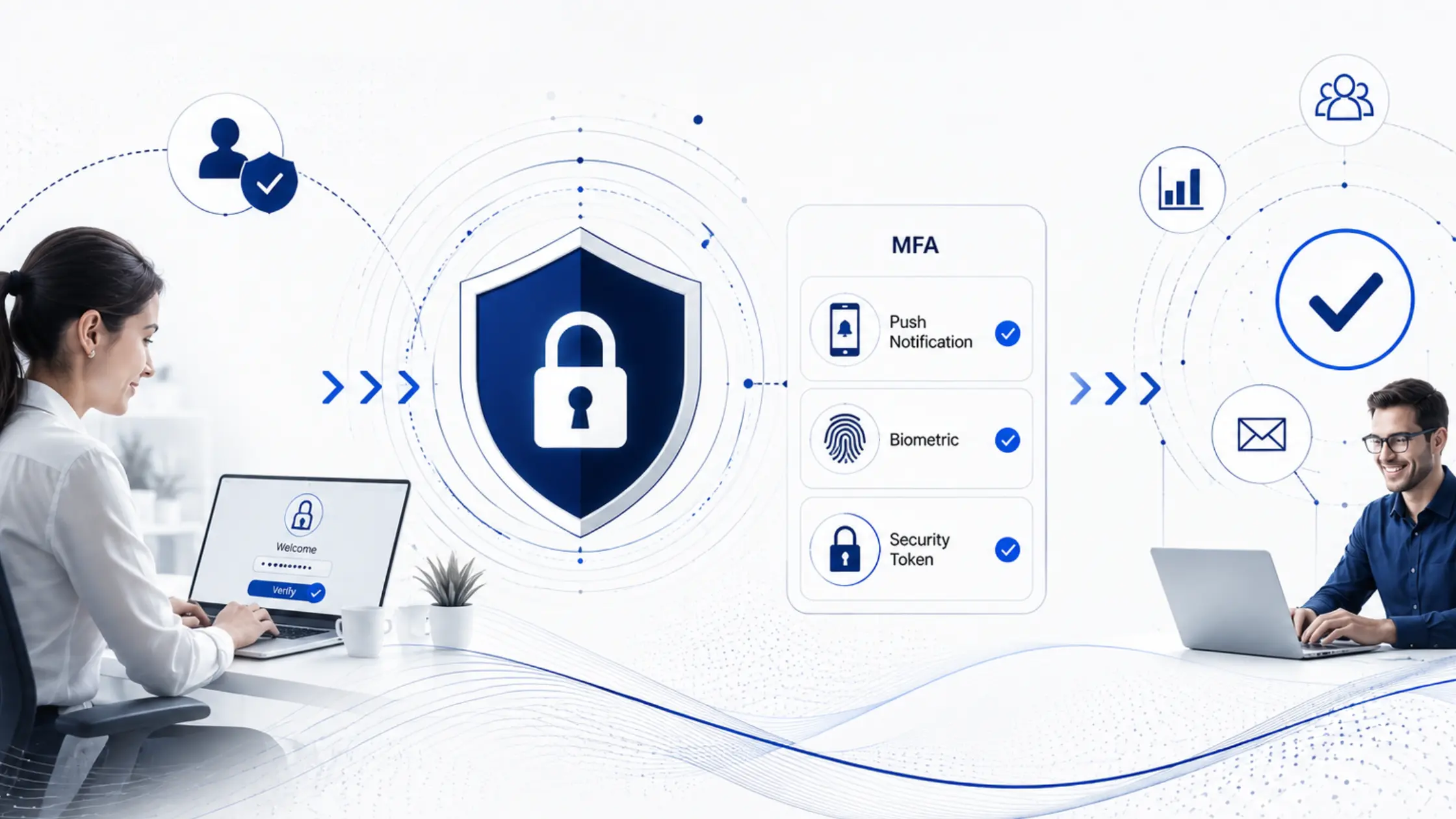
The key to successful MFA implementation is finding the right balance between security and convenience. Employees should be protected without feeling that security controls slow down their daily work. Modern identity solutions achieve this through intelligent authentication, contextual access policies, and adaptive security measures.
This guide explains how organisations can implement MFA successfully while maintaining productivity and a seamless user experience.
Table of Contents
- Why MFA Implementation Often Fails
- Understanding Modern MFA
- MFA Implementation Best Practices
- Adaptive MFA: Balancing Security and User Experience
- Passwordless vs MFA: Which Approach Is Better?
- Steps for a Successful MFA Implementation
- Common MFA Implementation Mistakes to Avoid
- How Trevonix Delivers Frictionless MFA Implementation
- Conclusion
Why MFA Implementation Often Fails
Although many organisations invest in MFA implementation, poor planning often leads to employee frustration rather than stronger security.
Excessive Authentication Prompts
Repeated verification requests interrupt workflows and create "authentication fatigue". Employees may become tempted to approve login requests without checking whether they are legitimate, reducing the effectiveness of MFA implementation.
Poor User Experience
Complex enrolment processes, confusing authentication methods, or unreliable authentication apps often discourage users from embracing MFA implementation.
Lack of Employee Training
Many users do not understand why MFA is necessary or how to use it properly. Without clear guidance, organisations experience increased helpdesk requests and lower adoption rates.
One-Size-Fits-All Security Policies
Applying identical authentication rules to every employee, device, and application ignores different levels of risk. Modern organisations require flexible policies that match the sensitivity of each access request.
Understanding Modern MFA
What Is MFA?
Multi-Factor Authentication (MFA) verifies a user's identity using two or more authentication factors before granting access. Effective MFA implementation combines multiple verification methods to reduce the risk of compromised credentials.
Authentication factors typically include:
- Something you know (password or PIN)
- Something you have (mobile device or security key)
- Something you are (fingerprint or facial recognition)
How MFA Strengthens Security
A successful MFA implementation protects organisations against:
- Stolen passwords
- Credential stuffing
- Phishing attacks
- Account takeover
- Unauthorised remote access
Even if attackers obtain a password, additional verification significantly reduces the likelihood of successful compromise.
Common MFA Methods
Popular authentication methods include:
- Mobile authenticator applications
- Push notifications
- One-Time Passwords (OTP)
- Hardware security keys
- Biometric authentication
- Smart cards
Choosing the right combination depends on business requirements, user roles, and risk levels.
MFA Implementation Best Practices
Start with a Risk-Based Approach
Rather than challenging every login equally, organisations should evaluate contextual risk before requesting additional verification. Risk-based MFA implementation considers user behaviour, location, device health, and application sensitivity.
Choose User-Friendly Authentication Factors
Employees are more likely to adopt security measures when authentication is simple. Biometrics, push notifications, and hardware security keys provide a better experience than repeatedly entering verification codes.
Reduce Prompt Fatigue
One of the biggest goals of successful MFA implementation is reducing unnecessary authentication requests. Intelligent policies should only request additional verification when login behaviour appears unusual or risky.
Adaptive MFA: Balancing Security and User Experience
What Is Adaptive MFA?
Adaptive MFA uses real-time risk analysis to determine whether additional authentication is required. Instead of treating every login equally, adaptive MFA evaluates multiple signals before deciding the appropriate level of security.
Factors Used in Adaptive MFA
Modern adaptive MFA solutions analyse:
- User location
- Device trust
- Login history
- Time of access
- IP reputation
- User behaviour
- Network risk
These contextual signals allow organisations to minimise unnecessary authentication while maintaining strong protection.
Benefits of Adaptive MFA
Implementing adaptive MFA provides several advantages:
- Fewer authentication prompts
- Better employee experience
- Higher security against evolving threats
- Reduced helpdesk workload
- Improved compliance with security standards
By using adaptive MFA, organisations improve productivity while strengthening identity security.
Passwordless vs MFA: Which Approach Is Better?
Understanding Passwordless Authentication
Passwordless authentication removes traditional passwords altogether and relies on biometrics, passkeys, or hardware security keys to verify identity. As organisations modernise identity security, discussions around passwordless vs MFA have become increasingly important.
The debate around passwordless vs MFA should not be viewed as choosing one over the other. Instead, many organisations combine both approaches for maximum protection. Understanding passwordless vs MFA helps businesses determine which authentication strategy best suits different users, while evaluating passwordless vs MFA alongside business requirements enables a balanced identity security programme.
Steps for a Successful MFA Implementation
A successful MFA implementation typically follows these steps:
- Identify critical applications and sensitive data.
- Assess user roles and access requirements.
- Select appropriate authentication methods.
- Deploy risk-based authentication policies.
- Pilot the solution with a small user group.
- Provide employee education and awareness training.
- Monitor authentication activity continuously.
- Optimise policies based on user behaviour and security insights.
Regular reviews ensure the MFA implementation continues to protect users without introducing unnecessary complexity.
Common MFA Implementation Mistakes to Avoid
Many organisations reduce the effectiveness of MFA implementation by making avoidable mistakes, including:
- Applying identical authentication policies to every user
- Ignoring employee experience
- Overusing authentication prompts
- Failing to train users
- Not monitoring authentication risks
- Delaying software updates
- Choosing outdated authentication technologies
Avoiding these issues helps maintain both security and productivity.
How Trevonix Delivers Frictionless MFA Implementation
Trevonix helps organisations achieve secure and user-friendly MFA implementation through intelligent identity security solutions. Its Workforce Identity & Access Management platform enables businesses to protect employee identities using contextual authentication, Single Sign-On (SSO), identity lifecycle management, and modern authentication technologies.
Rather than relying on static security policies, the solution incorporates adaptive MFA capabilities that evaluate real-time risk before requesting additional authentication. This reduces unnecessary login prompts while maintaining strong protection against credential-based attacks.
Trevonix also supports organisations evaluating passwordless vs MFA strategies, helping them implement the most suitable authentication model based on business needs, compliance requirements, and workforce productivity. By combining identity governance, intelligent access controls, and seamless authentication experiences, organisations can improve security without creating employee friction.
Conclusion
Successful MFA implementation is not simply about adding another login step—it is about delivering stronger security with minimal disruption to employees. Organisations that combine user-friendly authentication methods, intelligent risk assessment, and adaptive MFA can significantly reduce cyber risk while improving productivity.
As identity threats continue to evolve, businesses should also evaluate passwordless vs MFA strategies to determine the most effective long-term authentication approach. By implementing contextual security policies and modern identity solutions, organisations can protect their workforce, strengthen compliance, and create a secure, frictionless digital workplace.